
Heading Structure Mistakes That Hurt WCAG Compliance and AI Answer Extraction
Skipped heading levels and multiple H1 tags don't just fail WCAG audits — they confuse the AI crawlers deciding what to cite. Here's how to fix both.
A broken heading hierarchy — skipped levels, multiple <h1> tags, headings picked for font size instead of structure — fails WCAG 2.1 Success Criterion 1.3.1 and 2.4.6, and it makes it harder for ChatGPT, Perplexity, and Google AI Overviews to figure out what your page is actually about. Both problems come from the same root cause: headings that describe how text looks instead of what it means.
On a lot of sites the visual design looks fine while the heading structure underneath is a mess. Nobody notices until a screen reader user can't navigate the page, or until a marketer asks why a competitor's blog post keeps getting cited in AI Overviews and theirs never does. Here's where it gets interesting: fixing the heading structure usually solves both problems at once.
What Is Heading Hierarchy, Exactly?
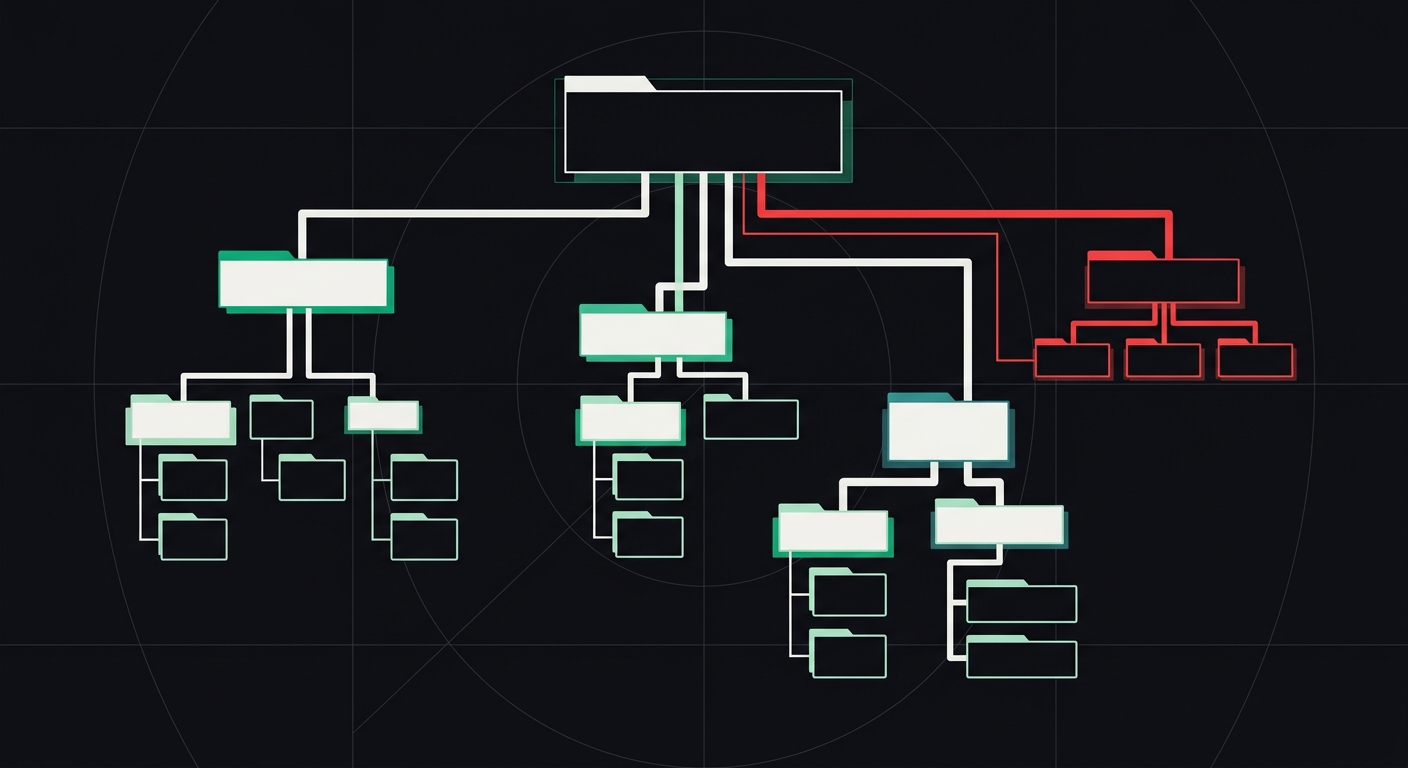
Heading hierarchy is the nested outline created by <h1> through <h6> tags, where each level represents a sub-topic of the level above it. Think of it like a table of contents: the <h1> is the book title, <h2>s are chapters, <h3>s are sections within chapters. Skip a chapter number, and the outline stops making sense — to a reader, a screen reader, or a language model trying to summarize the page.
This isn't a styling decision. It's a structural one. CSS controls what a heading looks like. HTML tag level controls what a heading means. Mixing those up is the single most common heading mistake I see, and it's the one that causes the most downstream damage.
Why Does Heading Structure Matter for WCAG Compliance?
Two WCAG success criteria deal directly with headings: 1.3.1 (Info and Relationships) and 2.4.6 (Headings and Labels), with 2.4.10 (Section Headings) as a related AAA criterion. Together they require that headings exist, that they're marked up as actual heading elements (not bold paragraph text), and that they accurately describe the content that follows.
Screen reader users rely on headings to navigate. JAWS, NVDA, and VoiceOver all let users pull up a list of every heading on the page and jump straight to the section they need — the same way a sighted user scans a page visually before reading it in full. WebAIM's annual accessibility survey of screen reader users has found for years that navigating by headings is one of the top two or three ways blind users get around a page, right up there with using the search function. If your headings are missing, out of order, or mislabeled, you're not creating a minor inconvenience. You're removing a core navigation tool.
WebAIM's Million report, which scans the home pages of the top one million sites every year, consistently flags heading-related issues — missing <h1>s, empty headings, skipped levels — among the most common structural failures on the web. This isn't a rare edge case. It's baseline, everyday negligence that most site owners don't even know is happening.
What's the Correct H1, H2, H3 Order?
The rule is simple to state and surprisingly easy to break in practice: one <h1> per page, followed by <h2>s for main sections, followed by <h3>s for subsections within those, and so on. You never skip a level going down (no jumping from <h2> straight to <h4>), though you can skip levels going back up as you move between sections.
| Correct structure | Broken structure |
|---|---|
| <h1> Page title | <h1> Page title |
| <h2> Section one | <h3> Section one (skipped h2) |
| <h3> Subsection | <h1> Section two (second h1) |
| <h2> Section two | <div class="bold-text"> Subsection (not a heading at all) |
The right-hand column isn't hypothetical. I've pulled that exact pattern — a bolded <div> standing in for a real subheading — off of live agency sites more times than I can count. It looks identical to a real heading. Structurally, it's invisible to every tool that matters.
What Happens When You Skip a Heading Level?
Skipping levels breaks the logical outline that assistive technology and AI crawlers both depend on. A screen reader announces "heading level 4" and the user has no idea what happened to level 3 — did they miss content? Is the page broken? That confusion adds friction every single time it happens, and on a long page it happens repeatedly.
For AI answer engines, the effect is different but just as damaging. Large language models and retrieval systems use heading structure to chunk a page into digestible sections before deciding what to extract and cite. When the hierarchy is inconsistent, the model has a harder time telling which content is a main point and which is a supporting detail. This is where structure beats polish: pages with clean, consistent heading nesting are easier for AI answer engines to chunk and quote than visually similar pages with jumbled heading levels. The content quality is often comparable. The structure is what makes the difference.
Why Do AI Engines Care About Heading Structure?
AI answer engines extract content in chunks, and headings are the primary signal they use to define chunk boundaries. When ChatGPT Search, Perplexity, or Google's AI Overview system crawls a page, it isn't reading it top to bottom like a human would in one pass — it's segmenting the page by structure, then evaluating each segment for relevance to a query.
A page with one clear <h1>, logically nested <h2>s, and descriptive subheadings gives the model a clean map. A page where every visual heading is actually a styled <span>, or where three different <h1> tags compete for top billing, gives it a pile of unlabeled text to guess at. Guessing wrong means your content doesn't get cited — a competitor's does, even if their writing is thinner than yours.
This is one of the three pillars we cover in our guide to AI readability: crawler access, shared core content, and extractability. Heading structure sits squarely in the extractability pillar, and it's usually the cheapest of the three to fix.
What Are the Most Common Heading Structure Mistakes?
- Multiple H1 tags. Common in page builders and WordPress themes where the logo, hero banner, and page title all get tagged as
<h1>by default. Pick one. It should describe the whole page. - Skipped levels. Jumping from
<h2>to<h4>because the<h4>"looked right" in the design system. It doesn't matter how it looks — the level has to match the actual content depth. - Headings chosen by size, not structure. A developer picks
<h3>because it renders at 18px, without checking whether it's actually a subsection of the preceding<h2>. This is probably the single most frequent mistake I run into, and it's almost always a CMS or template issue rather than a one-off content error. - Empty or decorative headings. Icon-only section dividers marked up as
<h2>with no visible text, sometimes just an image or an empty span inside the tag. - Non-heading text styled to look like a heading. Bold paragraph text or a styled
<div>that looks exactly like a subheading but carries none of the semantic weight. Screen readers skip right past it. So do AI crawlers. - Headings used for emphasis instead of hierarchy. Wrapping a single sentence in
<h2>tags just to make it bold and large, with no actual section following it.
Notice a pattern? Almost every one of these comes down to treating headings as a visual tool instead of a structural one. Fix that mindset and most of the individual mistakes disappear on their own.
How Do You Audit Your Own Heading Structure?
Start by opening your browser's dev tools and using the accessibility tree inspector, or install a free extension like the WAVE toolbar from WebAIM to generate a visual heading outline. You're looking for exactly one <h1>, no skipped levels, and headings that read sensibly if you strip out everything else on the page and just list them in order.
Read your heading list out loud, top to bottom, with no body text in between. Does it read like a coherent outline of your page? If a stranger read only your headings, would they understand what the page covers and how it's organized? If the answer is no, that's your signal to fix it — not the body copy, the headings themselves.
This is also exactly the kind of check that's easy to automate rather than eyeball manually. A quick scan against the full WCAG checklist will flag heading order issues alongside the other 32 rules, and running your URL through AccessKnight's free WCAG and AI-readability scan gives you both the accessibility violations and a look at whether your structure is holding back AI extraction, in one report.
Key Takeaways
- Use exactly one
<h1>per page, describing the whole page's topic. - Never skip heading levels going deeper into a page's structure (no
<h2>to<h4>). - Pick heading tags based on document structure, never based on font size or visual weight.
- Headings are a top navigation method for screen reader users — treat them as a functional tool, not decoration.
- AI answer engines use heading structure to chunk and extract content; clean hierarchy improves citation odds.
- Fixing heading structure usually resolves accessibility and AI-readability issues at the same time, with the same code change.
Frequently Asked Questions
Can I have more than one H1 on a page?
Technically HTML5 allows multiple <h1> tags inside separate <section> or <article> elements, but for accessibility and AI extraction, stick to one <h1> per page. Screen readers and AI crawlers both treat the <h1> as the page's primary topic, and having several dilutes that signal instead of clarifying it.
Does heading order affect SEO rankings?
Heading order isn't a direct ranking factor Google has confirmed, but it strongly affects how well AI Overviews and search snippets can parse and extract your content. In practice, pages with clean heading hierarchy tend to earn featured snippets and AI citations more consistently than pages with the same content wrapped in messy or skipped heading levels.
What's the difference between heading structure for accessibility and for AI readability?
There isn't one, really — both rely on the same underlying HTML structure. WCAG 1.3.1 and 2.4.6 exist because screen readers need a logical outline to navigate; AI crawlers need the same outline to chunk content correctly. Fix the hierarchy once and you satisfy both.
Is it okay to use CSS to change how a heading looks?
Yes. Style your <h2> to look however you want with CSS — smaller, larger, a different color. What matters is the underlying tag matches the content's actual position in the outline. Never pick a heading level based on how big you want the text to appear.
How do I check if my headings are in the right order?
Use a browser extension like WAVE to generate a heading outline, or run an automated scan that checks WCAG rule 1.3.1 specifically. Read the resulting outline top to bottom with no body text — if it doesn't make logical sense as a standalone list, your hierarchy needs fixing.
Do empty headings cause accessibility failures?
Yes. An empty heading, or one that contains only a decorative image with no accessible text, fails WCAG 2.4.6 because it provides no usable label for anyone navigating by headings. It also confuses AI crawlers trying to identify what that section covers.
Conclusion
Heading structure is one of the rare accessibility fixes that also doubles as an AI-visibility fix, and it usually takes a developer an afternoon to sort out on a typical site — not a redesign, not new content, just correcting which tag wraps which piece of text. Pull up your homepage's heading outline today, read it top to bottom with the body copy stripped away, and see if it actually tells a coherent story. If it doesn't, that's your starting point. Running a quick free scan will show you exactly which heading levels are broken and give you the code-level fix for each one, alongside everything else holding your site back from both WCAG compliance and AI citation.
Check your website's accessibility
Scan against all 33 WCAG 2.1 rules and get code-level fix suggestions — free.
Run a free scan →