
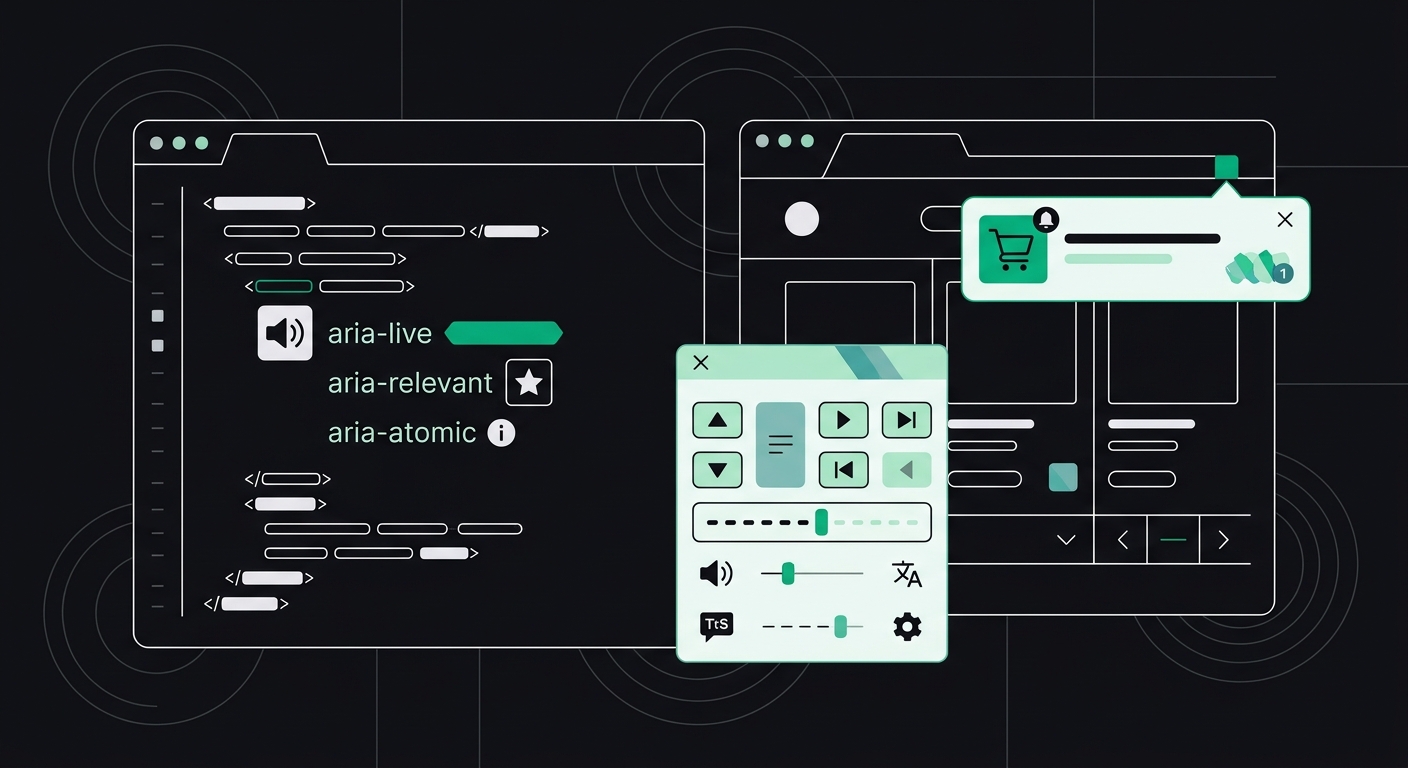
Why Does My Site Fail WCAG Checks for Dynamic Content and Live Regions?
Dynamic content that updates without an aria-live announcement fails WCAG 4.1.3 — and it's often invisible to AI crawlers too. Here's how to fix both.
Your site fails WCAG checks for dynamic content when visual updates — a cart total, a form error, a loaded search result — happen without any corresponding announcement for screen reader users. This is WCAG 4.1.3 (Status Messages), and the fix is almost always the same: wrap the updating region in an aria-live attribute so assistive tech knows something changed.
Sounds simple. It mostly isn't, in practice. I've audited sites where developers added aria-live="polite" to a dozen elements and still failed the check, because the markup around it was wrong, or the content wasn't actually re-rendering the way the browser expected. Dynamic content is one of those areas where good intentions and broken implementation look identical to a sighted QA tester — and completely different to someone using NVDA or VoiceOver.
What counts as "dynamic content" under WCAG?
Dynamic content is any part of the page that updates after the initial load without a full page refresh — think single-page applications (SPAs), AJAX-loaded sections, toast notifications, live search results, or shopping cart counters. WCAG 4.1.3 specifically covers status messages: content that communicates a change in state (success, error, loading, result count) without shifting keyboard focus.
The rule exists because of a basic gap. Sighted users see a green checkmark appear, or a red "this field is required" message pop up under a form field. Screen reader users, navigating linearly through the DOM, have no idea anything happened unless the browser's accessibility tree tells their screen reader to announce it. Without a live region, that update is invisible. Not degraded — invisible.
This is also one of the newer WCAG success criteria (added in 2.1), so a lot of older audit tools and older dev teams still don't test for it properly. If your site was built before 2019 and hasn't been re-audited since, there's a decent chance this is failing silently right now.
Why does a missing aria-live attribute fail an accessibility audit?
A missing aria-live attribute fails an audit because the browser's accessibility API has no signal to pass along to assistive technology when that region's content changes. The DOM updates. The accessibility tree doesn't broadcast anything. The screen reader stays silent.
Here's a scenario I see constantly with e-commerce clients: a user adds an item to their cart, the cart icon count updates from "2" to "3\," and visually it's a smooth little animation. For a screen reader user, nothing happens. They click "Add to Cart," hear nothing confirming it worked, and either click again (creating a duplicate) or assume the button is broken and leave. That's a lost sale, not just a compliance gap.
The WebAIM Million survey — an annual scan of the top one million home pages — has consistently found that the vast majority of sites carry detectable accessibility errors, and ARIA misuse specifically tends to increase error counts rather than reduce them when implemented incorrectly. Adding ARIA attributes without understanding how they map to the accessibility tree often makes things worse, not better.
The two aria-live values you actually need
- aria-live="polite" — Announces the update after the screen reader finishes its current sentence. Use this for non-urgent updates: search result counts, "item added to cart," form validation success messages.
- aria-live="assertive" — Interrupts whatever the screen reader is currently announcing. Reserve this for urgent, time-sensitive messages: session timeout warnings, failed payment errors, critical form validation failures.
Most developers I've worked with default to assertive because it feels more thorough. Don't. Overusing assertive regions creates a jarring experience — screen reader users get interrupted mid-sentence over and over, for things that didn't need to be urgent. Save it for the handful of messages that genuinely can't wait.
How do you fix aria-live announcements step by step?
Fixing this properly takes more than dropping in an attribute. Here's the sequence that actually works:
- Identify every region that updates dynamically. Cart totals, search filters, form validation, chat widgets, toast notifications, loading spinners that resolve into content. Walk through your site's key user flows and list every place content changes without a page reload.
- Mark the container, not the content, as live. The
aria-liveregion needs to exist in the DOM before the content changes — it can't be added at the same moment as the new content, or most screen readers will miss the announcement entirely. A common mistake: injecting a brand-new<div aria-live="polite">element along with the message text at the same time. Instead, keep an empty live region on the page from load, and only update its text content when needed. - Keep the message text short and specific. "Error" tells a user nothing. "Email address is required" tells them what to fix. Screen reader users can't glance at a red outline around the field — the text in the live region is their entire context.
- Test with an actual screen reader, not just a linter. Automated scanners can confirm the
aria-liveattribute exists in your markup, but they can't confirm the announcement actually fires at the right moment. Run NVDA (free, Windows) or VoiceOver (built into macOS) and listen for yourself. - Don't forget focus management for modals and route changes. In SPAs, when a route changes without a full page load, move focus to the new page's heading and announce the page title change. This overlaps with modal and dialog focus trap issues — the underlying problem (focus getting lost after a DOM update) is nearly identical.
A code-level example, for a form error message:
<div id="form-status" aria-live="assertive" role="alert"></div>

<script>
  function showError(message) {
    document.getElementById('form-status').textContent = message;
  }
</script>
Notice the empty <div> sits in the HTML from page load. The JavaScript only updates its text content — it never recreates the element. That distinction is the single most common thing teams get wrong.
Why do AI crawlers struggle with the same dynamic content?
AI crawlers struggle with dynamic content for a related but different reason: many of them don't execute JavaScript the way a browser does, so content that only appears after a user action, a timer, or an API call never makes it into what the crawler actually reads. If your product reviews, pricing, or FAQ answers only render after a button click or an infinite-scroll trigger, tools like ChatGPT Search, Perplexity, or Google's AI Overview may never see that text at all.
This is a genuinely interesting overlap. The same architectural choice — relying on JavaScript to inject critical content rather than having it present in server-rendered HTML — breaks accessibility for screen reader users and breaks visibility for AI crawlers, for almost identical underlying reasons: both depend on a snapshot of the DOM, and if that snapshot doesn't include the content, it doesn't exist for them.
In my experience running audits across SPA-based sites (React and Vue builds especially), somewhere around a third of the pages I check have at least one meaningful content block that's invisible to a non-JS crawler. Not broken, exactly — just absent. If you want the full breakdown of how crawler access, parsing, and extractability work together, I'd point you to our guide on what AI readability actually means — it covers this exact failure mode in more depth.
How do you build accessible single page applications?
Accessible single page applications require deliberate handling of three things that traditional multi-page sites get for free: focus management, route announcements, and server-side rendering (or at least pre-rendering) for anything search engines and AI tools need to find.
- Announce route changes. When a user navigates within an SPA, move focus to the new content's heading and update the document title. Without this, screen reader users land in a void with no indication anything changed.
- Pre-render or server-side render critical content. If pricing, product details, or core copy only exist after client-side JavaScript runs, both screen readers relying on cached snapshots and AI crawlers with limited JS execution may miss it. Frameworks like Next.js, Nuxt, or even static pre-rendering tools solve this directly.
- Use real landmarks, not just divs.
<main>,<nav>, and<header>elements give both screen readers and crawlers a map of the page structure. SPAs built entirely out of nested<div>elements give neither one anything to work with. - Test your live regions under real network conditions. Slow APIs mean delayed content. If your live region fires before the actual data loads, you've announced an empty state as if it were the final result — which is arguably worse than no announcement at all.
What's the difference between polite and assertive in real-world terms?
The practical difference is interruption versus patience. aria-live="polite" waits its turn; aria-live="assertive" cuts the line. Picture a user filling out a multi-step checkout form. A "your discount code was applied" confirmation should be polite — nice to know, not urgent. A "your card was declined" message needs to be assertive, because letting the user keep typing while unaware their payment failed wastes their time and increases abandonment.
I'd honestly push back on teams that use assertive for everything. It trains screen reader users to distrust your interruptions, the same way a website that triggers ten popups trains sighted users to click away without reading. Reserve urgency for things that are actually urgent.
Key Takeaways
- WCAG 4.1.3 requires that status messages — cart updates, form errors, search results — be announced to screen readers without moving keyboard focus.
aria-liveregions must exist in the DOM before content changes; adding both at once often means the announcement never fires.- Use
politefor routine updates andassertiveonly for time-sensitive or critical messages. - JavaScript-dependent content that only renders after user interaction can be invisible to both screen readers relying on cached states and AI crawlers that don't fully execute JS.
- Pre-rendering or server-side rendering critical content fixes both accessibility gaps and AI-crawler visibility at the same time.
Frequently Asked Questions
What is WCAG 4.1.3 Status Messages?
WCAG 4.1.3 is a Level AA success criterion requiring that status messages — content that communicates success, error, or state changes — be programmatically determinable by assistive technology without requiring the message to receive keyboard focus. It was added in WCAG 2.1 and is one of the most commonly missed rules because it covers dynamic JavaScript behavior rather than static markup.
Does aria-live work in all screen readers?
Most modern screen readers (NVDA, JAWS, VoiceOver) support aria-live, but implementation quality varies by browser-and-screen-reader combination. Testing in at least two combinations — for example, NVDA with Chrome and VoiceOver with Safari — catches most inconsistencies before they reach real users.
Can I just add aria-live to every dynamic element on my site?
No, that usually makes things worse. Overusing live regions, especially with assertive, creates a flood of interruptions that overwhelms screen reader users. Reserve live regions for genuine status messages and keep most of them set to polite.
Do AI crawlers read content loaded by JavaScript?
Some do, some don't, and the capability changes over time. Google's crawler generally renders JavaScript, but many AI search tools and chat-based crawlers have limited or no JS execution, meaning content injected client-side after page load may never reach them. Server-side rendering or pre-rendering critical content is the safest fix.
How do I test if my live regions are working?
Turn on a screen reader (NVDA on Windows or VoiceOver on Mac, both free), trigger the dynamic update on your page, and listen for an announcement. If nothing is spoken when the content visibly changes, your live region isn't wired correctly — check that the container exists before the update and that only its content, not the whole element, is being replaced.
Does fixing live regions also help my SEO or AI search visibility?
Indirectly, yes. The underlying fix — making sure critical content exists in the DOM rather than only appearing after JavaScript executes — helps both screen readers and AI crawlers read your content reliably. It won't boost rankings by itself, but it removes a real barrier to being crawled, parsed, and cited accurately.
Where to go from here
If you're not sure whether your site's dynamic content is actually being announced — or whether your SPA's JavaScript-rendered sections are visible to anything other than a human with a mouse — that's worth checking before you assume it's fine. A free scan will flag WCAG 4.1.3 failures alongside the AI-readability gaps that come from the same root cause, with code-level fixes attached to each one. Run it on your checkout flow or search page specifically; that's usually where the worst offenders hide.
Check your website's accessibility
Scan against all 33 WCAG 2.1 rules and get code-level fix suggestions — free.
Run a free scan →