
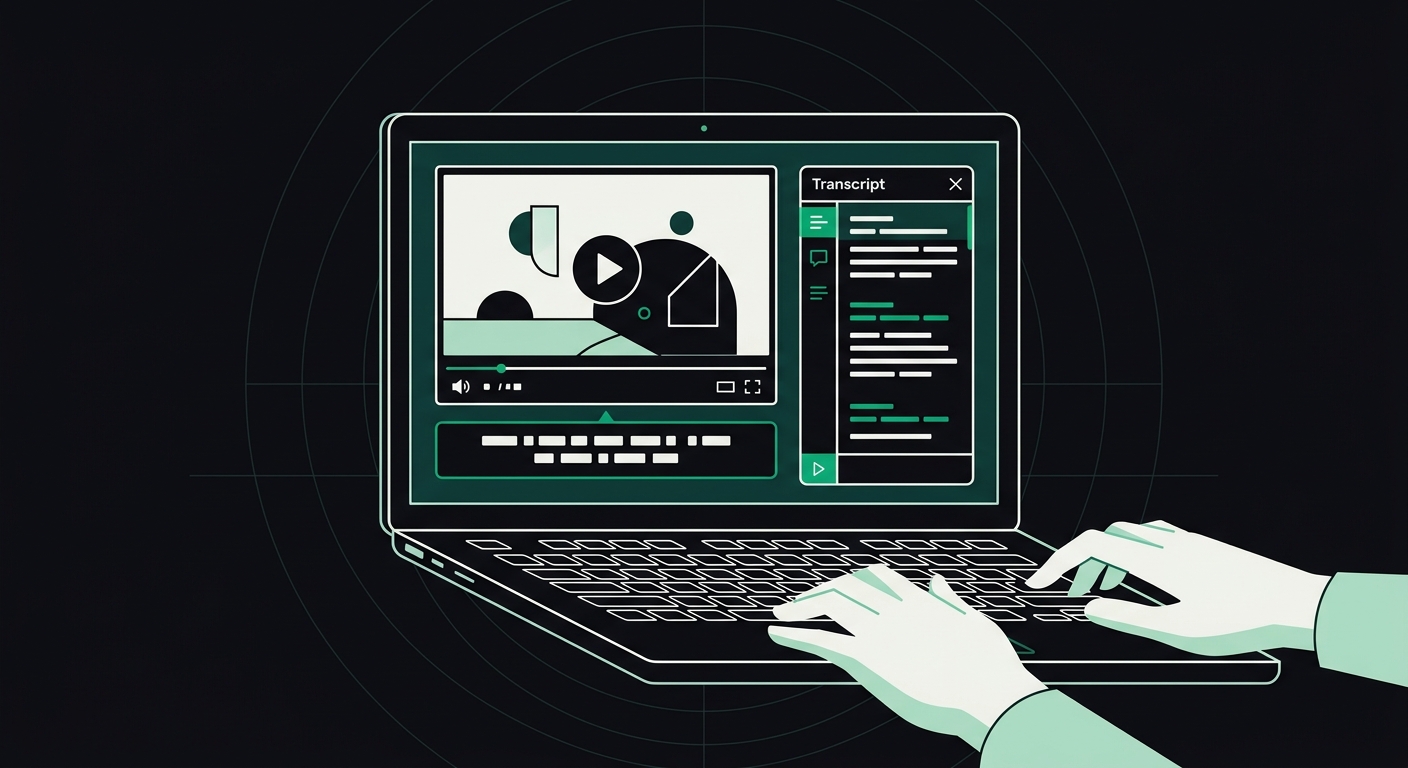
Why Does My Site Fail WCAG Video and Audio Checks? Fixing Captions, Transcripts, and Audio Descriptions
Missing captions, no transcript, no audio description — here's exactly which WCAG rules your video and audio content is failing, and how to fix each one.
Your site fails WCAG video and audio checks because prerecorded video is missing synchronized captions, audio-only content has no transcript, or visual-only action in a video (a demo, a chart reveal, a facial expression) isn't described anywhere for people who can't see it. Those three gaps — captions, transcripts, and audio descriptions — account for nearly every multimedia failure an auditor flags under WCAG 2.1's Section 1.2 success criteria.
I've reviewed a lot of marketing sites that nail contrast and alt text but completely ignore their embedded YouTube demo reel. It's the blind spot. Video feels like someone else's problem — YouTube's, Vimeo's, the video editor's — until an auditor points at it and says nope, that's yours too.
Key Takeaways
- WCAG 2.1 has five video/audio success criteria most sites need to meet at Level A and AA: 1.2.1, 1.2.2, 1.2.3, 1.2.4, and 1.2.5.
- Auto-generated captions (YouTube's default) almost always fail WCAG accuracy expectations — they need human review.
- Transcripts and captions are not the same requirement and don't substitute for each other in every case.
- Audio description is only required when the visuals convey information the audio track doesn't already say out loud.
- Video files hosted with no text alternative are effectively invisible to AI crawlers too, since bots can't watch or listen.
What Does WCAG Actually Require for Video and Audio?
WCAG 2.1's Section 1.2 (Time-Based Media) lays out separate rules depending on whether content is audio-only, video-only, or both, and whether it's live or prerecorded. For most business websites, four criteria do the heavy lifting:
- 1.2.1 Audio-only and Video-only (Level A): A prerecorded podcast clip needs a transcript. A silent product-demo video needs a text or audio description of what's happening.
- 1.2.2 Captions, Prerecorded (Level A): Any prerecorded video with a soundtrack needs synchronized captions.
- 1.2.3 Audio Description or Media Alternative (Level A): If a video shows something the narration doesn't mention — a screen full of settings, a chart, a facial reaction — that needs to be described, either through added narration or a full text alternative.
- 1.2.5 Audio Description, Prerecorded (Level AA): This raises 1.2.3 from optional-alternative to required-audio-description for most prerecorded video with a visual track.
Most ADA lawsuits and demand letters cite Level AA as the target, which means 1.2.2 and 1.2.5 are the ones that actually get you sued or delisted from a vendor contract. If you're only fixing one thing this week, fix captions.
For the full rule set AccessKnight scans against, the WCAG fix guides hub breaks down all 33 checks with copy-paste code, video and audio included.
Why Do Captions Fail Even When They're Present?
This is the part that surprises people. A site can have captions and still fail the check. Auditors (and automated scanners) aren't just checking for the presence of a caption file — they're checking accuracy, timing, and speaker identification.
The most common failure I see: auto-generated captions from YouTube or a native platform, uploaded as-is, with no human review. Auto-captions routinely misidentify homophones, drop punctuation that changes meaning, and mangle brand names or technical terms. A caption that reads "weight loss journey" when the speaker said "way to lose journey" isn't just embarrassing — it's a genuine accessibility failure, because it gives a deaf or hard-of-hearing viewer false information.
Other caption failures that show up constantly in audits:
- Captions that lag more than a second or two behind the audio, breaking synchronization.
- No speaker labels in multi-person videos, so viewers can't tell who's talking.
- Sound effects and music cues left out (a doorbell, a phone ringing, a tone shift) when they carry narrative meaning.
- Captions baked into the video pixels instead of delivered as a real text track — which blocks users from resizing or customizing them, and blocks search crawlers from reading them entirely.
That last one matters more than people think. A caption burned into the video frame is just a moving image to a browser, a screen reader, and an AI crawler alike. None of them can extract text from pixels.
What's the Difference Between Captions, Transcripts, and Audio Descriptions?
These three terms get used interchangeably in casual conversation, but WCAG treats them as distinct requirements that solve different problems.
| Feature | What it does | Who it helps most | WCAG criterion |
|---|---|---|---|
| Closed captions | Synchronized on-screen text of dialogue and sound cues | Deaf and hard-of-hearing users, sound-off viewers | 1.2.2 / 1.2.4 |
| Transcript | Full text version of spoken (and sometimes visual) content, not time-synced | Screen reader users, users on slow connections, search and AI crawlers | 1.2.1 / 1.2.3 |
| Audio description | Extra narration describing key visual information not covered by existing dialogue | Blind and low-vision users | 1.2.3 / 1.2.5 |
A transcript alone doesn't satisfy 1.2.2 because it isn't synchronized — someone can't follow along in real time. Captions alone don't satisfy 1.2.3 or 1.2.5 because they only cover dialogue, not silent visual action. You genuinely need more than one of these for most videos with both speech and meaningful visuals.
Do I Need Audio Descriptions for Every Video?
No. Audio description is only required when the video's visuals convey information that the existing audio track doesn't already say out loud.
Think about a talking-head video where someone explains a pricing model on camera and says everything relevant out loud — no charts, no on-screen text overlays with unique info. That video likely satisfies 1.2.3 and 1.2.5 without any added description, because the audio already tells the whole story.
Now picture a software walkthrough where a narrator says "click here, then here" while the screen shows menu options never mentioned verbally. That's a textbook audio description failure. The fix isn't always adding a second narration track — sometimes the cheaper fix is rewriting the original script so the narrator describes what's on screen as they go. I've told clients this more than once: fix it in the script before you fix it in post-production. It's less work and it usually makes the video better for everyone.
When you can't rework the narration (training videos, recorded webinars, legacy content), an extended or standard audio description track — or a full text alternative under 1.2.1 — becomes the fallback.
How Do I Fix Common Multimedia Accessibility Failures?
Once you know which criterion you're failing, the fixes are pretty mechanical. Here's the order I'd tackle it in:
- Add real caption files, not baked-in text. Use WebVTT (
.vtt) files delivered through the<track>element inside your<video>tag. Example:<video><track kind="captions" src="captions-en.vtt" srclang="en" label="English"></video>. - Have a human edit auto-generated captions. Run YouTube or Descript's auto-caption pass first, then have a person clean it up. Budget roughly $1 to $3 per minute of video if you're outsourcing this — it's cheap compared to a demand letter.
- Write a transcript for anything audio-only. Podcasts, voiceover-only explainer videos, and recorded calls all need a plain-text transcript published next to the media player, not buried in a separate PDF nobody links to.
- Decide if you need audio description. Watch the video with the sound on and your eyes closed. If you miss something important, that's your answer.
- Check your embed method. Third-party embeds (YouTube, Vimeo, Wistia) often include native caption support, but it has to be turned on and it has to use the edited caption file, not the platform's raw auto-transcription.
One thing worth flagging: if your video sits behind a carousel or auto-plays on load, you've likely got a second, separate WCAG problem stacked on top of the captioning issue. Auto-playing media with sound that can't be paused fails 1.4.2 (Audio Control) on its own — a totally different rule from anything covered above.
How Does This Affect AI Search Visibility?
AI crawlers can't watch your video or listen to your podcast, so the only way ChatGPT, Perplexity, or Google's AI Overviews learn what's in your multimedia content is through the text you provide next to it — captions, transcripts, and descriptions.
A video with no transcript is a content vacuum to an AI crawler. It sees a player, maybe a title, and nothing else. Publish a full transcript on the same page and you've handed the crawler the entire substance of a 10-minute video in a format it can actually parse and cite. This is one of the clearer overlaps between accessibility and what's now called AI readability — the same fix serves a screen reader user and a language model at the same time. If you want the fuller picture of how crawlers read (or fail to read) a page, the AI readability guide covers the three pillars crawlers actually check.
This is also where a tool that scores both matters. AccessKnight checks a page against all 33 WCAG multimedia and structural rules and separately scores whether AI crawlers can actually extract that transcript text — two different failure modes, one scan.
Frequently Asked Questions
Do YouTube's automatic captions meet WCAG requirements?
No, not on their own. Auto-generated captions frequently misread words, miss punctuation, and skip speaker labels, which fails the accuracy expectation built into 1.2.2. Auditors and most legal standards expect a human-reviewed caption file, not raw auto-transcription.
Is a transcript required in addition to captions?
It depends on the content. For prerecorded video with dialogue, synchronized captions typically satisfy 1.2.2, and a transcript isn't separately mandatory unless the video is audio-only or video-only under 1.2.1. That said, publishing a transcript alongside captions is good practice — it helps SEO, AI crawler extraction, and users who prefer reading over watching.
What's the difference between WCAG Level A and AA for video accessibility?
Level A covers the baseline: captions for prerecorded video (1.2.2) and text alternatives for audio- or video-only content (1.2.1). Level AA adds audio description for prerecorded video (1.2.5), which most ADA compliance targets require since the vast majority of legal settlements reference WCAG 2.1 AA.
Does live video need captions too?
Yes. 1.2.4 requires captions for live audio content in synchronized media, which covers live streams, webinars, and live-broadcast video embedded on a site. This is a Level A requirement, so it applies broadly, not just to AA-targeted sites.
Can I just add a text description below the video instead of captions?
No, a summary paragraph below a video doesn't satisfy the captioning requirement. Captions have to be synchronized with the audio in real time so a deaf or hard-of-hearing viewer can follow along as it plays. A written summary can supplement a transcript requirement, but it's not a substitute for synchronized captions.
Where do I check which WCAG rules my video pages are failing?
Run the page through an automated scanner first to catch missing caption tracks, missing transcripts, and autoplay violations, then do a manual review for caption accuracy and audio description need — automated tools can't judge caption quality on their own. A free WCAG and AI-readability scan will flag the structural gaps (missing <track> elements, autoplay without controls) in under a minute.
Conclusion
Start with your highest-traffic video page — usually the homepage hero or a pricing explainer — and check three things by hand: does it have a real caption track, does a transcript exist anywhere on the page, and does the audio alone tell the whole story without the visuals. Fix whichever of those three is missing before moving to the next page. Multimedia audits take longer than a contrast check or an alt-text sweep, but they're also the checks most competitors skip entirely, which means fixing yours properly is a genuine differentiator, not just a compliance box.
Check your website's accessibility
Scan against all 33 WCAG 2.1 rules and get code-level fix suggestions — free.
Run a free scan →