
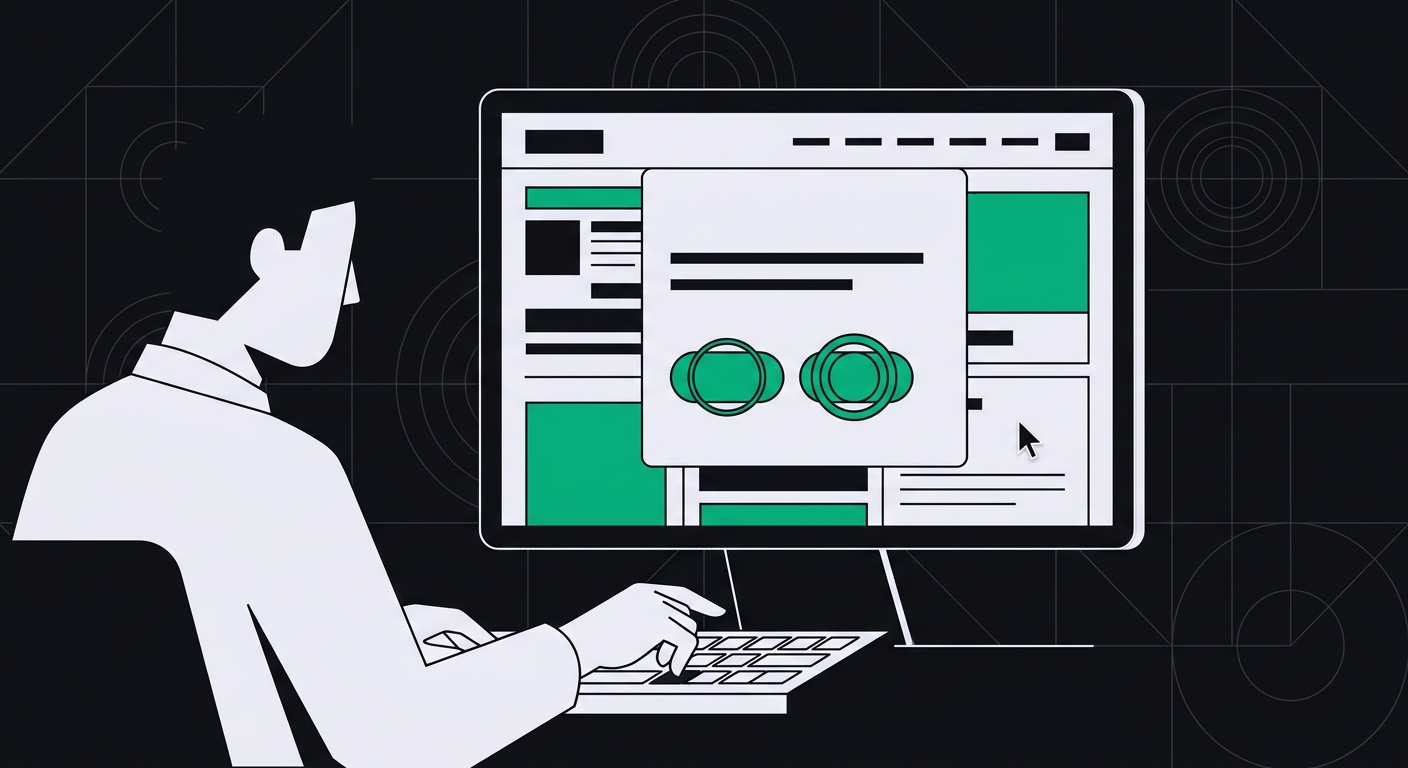
Do Cookie Consent Banners Block AI Crawlers and Screen Readers? How to Fix Focus Traps and Hidden Content
Cookie banners cause real WCAG focus traps for keyboard users and can hide content from AI crawlers. Here's how to test and fix both.
Yes — a badly built cookie consent banner can trap keyboard and screen reader users on the page, and it can hide or duplicate content in ways that confuse AI crawlers like GPTBot and PerplexityBot. The fix isn't removing the banner. It's building one that closes properly, releases focus, and doesn't leave orphaned markup behind for bots to trip over.
I've audited enough sites to say this with confidence: cookie banners are one of the most common sources of both a WCAG focus trap and an AI-readability penalty on the same page. Two totally different audiences — a screen reader user and a crawler bot — end up stuck on the exact same broken code.
How does a cookie banner become a WCAG focus trap?
A focus trap happens when keyboard focus enters a component — like a modal cookie banner — and can't leave it using the keyboard alone. The user tabs forward, hits the last focusable element inside the banner, and instead of exiting to the rest of the page, focus loops back to the top of the banner. Or worse: it disappears into the void, landing on nothing at all.
This directly violates WCAG 2.1 Success Criterion 2.1.2, No Keyboard Trap, and it usually breaks 2.4.3 (Focus Order) too. In the WebAIM Million survey, modal dialogs and overlay-style widgets consistently show up as a top source of keyboard accessibility failures across the web's most-visited sites. Cookie banners are the most common modal on the internet — practically every site has one — so they're also one of the most common places this bug lives.
Here's the typical sequence I see:
- The banner loads with a script tag, not real markup. A third-party consent management platform (CMP) injects a
<div>at the bottom of the DOM after the page has already rendered. - Focus isn't moved into the banner at all. Sighted mouse users see it fine. Keyboard users tab through the entire page first, then suddenly land on banner buttons with zero warning about where they are.
- The close or "Accept" button doesn't return focus anywhere sensible. After dismissing the banner, focus resets to the top of the document — or just vanishes, leaving a screen reader user with no idea what happened.
None of this is a small UX quirk. For someone navigating entirely by keyboard, a broken focus trap on a cookie banner means they literally cannot use your site. They can't scroll, can't click, can't Tab past it. They're stuck.
Can AI crawlers actually get blocked by a cookie banner?
Not in the same physical sense — bots don't get "trapped" the way a human does — but the practical effect can be similar. Most AI crawlers, including OAI-SearchBot, PerplexityBot, and ClaudeBot, don't execute JavaScript the way a browser does. They fetch the raw HTML response and parse what's there.
Three ways cookie banners still mess with what an AI engine sees:
- Consent-gated content. Some CMPs are configured to hold back the main page content until a user clicks "Accept," rendering it via JavaScript only after consent. A crawler that doesn't run scripts sees an empty shell, or worse, just the cookie notice text itself as the primary content on the page.
- DOM pollution. Banners that never get removed from the DOM — just visually hidden with CSS — leave a wall of boilerplate legal text ("We use cookies to improve your experience...") sitting at the top of the parsed content. If an AI engine is trying to extract your actual page content to answer a query, that boilerplate is noise standing between it and your real answer.
- Duplicate or shadow content. Some implementations inject the same banner markup twice — once server-side, once client-side — creating near-duplicate text blocks that dilute how cleanly a crawler can identify your core content.
This overlaps a lot with the broader question of what makes a page readable to AI engines in the first place — crawler access, a shared HTML core between what bots and browsers see, and clean extractable structure. If you haven't already, it's worth reading through what AI readability actually means for a fuller picture of the three pillars this all fits into.
What does an ADA-compliant cookie consent banner look like?
There's no single official checklist labeled "ADA compliant cookie banner" — the ADA doesn't name specific technical requirements, it points to WCAG as the practical standard courts and settlements reference. That said, a compliant implementation checks these specific boxes:
- The banner is coded as a real dialog using semantic HTML or proper ARIA (
role="dialog"witharia-modal="true"), not a plain<div>styled to look like one. - When the banner opens, focus moves to it automatically and predictably — usually to the heading or first interactive element.
- Tab and Shift+Tab cycle only through the banner's own interactive elements while it's open (if it's a true modal blocking the page), and never trap the user with no exit.
- Escape key closes the banner, same as any accessible modal.
- After closing, focus returns to the element that triggered the banner, or to a logical starting point like the page's main heading.
- Every button and toggle has a clear accessible name — not just a colored square with no label read aloud by a screen reader.
- Color contrast on banner text and buttons meets the same 4.5:1 (or 3:1 for large text) ratio required everywhere else on the site.
Most of the popular CMPs — OneTrust, Cookiebot, Osano — have accessible modes available, but they're often not turned on by default. I've seen agencies install one of these tools, assume "it's a reputable vendor, it must be compliant," and never check the actual rendered markup. That assumption costs people. Check your configuration, don't just trust the brand name on the box.
How do you test if your cookie banner traps keyboard focus?
You don't need specialized software for this. Grab your keyboard and try it yourself, right now, on your own site:
- Load the page in a fresh incognito window so the consent banner actually appears.
- Don't touch your mouse. Press Tab repeatedly.
- Watch where focus lands. Does it land inside the banner immediately, or does it wander through the header first?
- Keep tabbing until you reach the last button in the banner, then press Tab one more time. Does focus move to the next logical thing on the page, or does it loop back to the start of the banner? Or disappear entirely?
- Now accept or dismiss the banner using only the keyboard (Enter or Space). Press Tab again. Where does focus go?
If you lose track of the focus outline at any point — if you genuinely can't tell where you are on the page — that's the same experience a screen reader user has, minus the visual cue they never had to begin with. This is a five-minute test, and it's one of the fastest ways to catch a real screen reader modal accessibility bug before it becomes a complaint or a demand letter.
For a more automated pass across your whole site, running a free WCAG and AI-readability scan will flag focus and ARIA issues on cookie banners along with the other 32 rules it checks, so you're not relying on manual spot checks alone.
How do you fix a cookie banner focus trap?
The fix depends on whether you built the banner yourself or you're using a third-party CMP script.
If you control the code
Use the native <dialog> element where you can — modern browsers handle a lot of the focus management for you automatically, including trapping focus correctly within an open modal and restoring it on close. If you're building a custom overlay instead, you need to manually:
- Set
tabindex="-1"on the banner container and call.focus()on it (or its heading) when it opens. - Write a small focus-trap function that catches Tab and Shift+Tab at the first and last focusable elements inside the banner and loops them back within the banner — only while it's genuinely blocking interaction with the rest of the page.
- Store a reference to whatever element had focus before the banner opened, and return focus there (or to a sensible fallback) when it closes.
- Bind the Escape key to trigger the same close behavior as your dismiss button.
If you're using a third-party CMP
Check the vendor's documentation for an "accessible mode" or WCAG-specific configuration flag — most major platforms have one, but it's rarely the default setting. And this matters: fully remove dismissed banner markup from the DOM (or set aria-hidden="true" and move it out of the tab order) instead of just hiding it with display: none applied via a class toggle that leaves stale nodes behind.
One more thing, and this trips people up constantly: don't gate your actual page content behind JavaScript that only fires after consent is granted. Keep your core content — headings, body text, product info — present in the initial server response. Consent should control cookies and tracking scripts, not whether your homepage copy exists in the HTML at all. That single decision affects both your visibility to AI crawlers that don't render JavaScript and your Core Web Vitals.
What about hidden content left behind after the banner closes?
This one's sneaky because it's invisible to you as a sighted user testing on desktop. A lot of cookie banner scripts don't actually delete their markup when dismissed — they just hide it visually. If that hidden <div> still contains focusable buttons or links, screen reader users can still Tab into it, hear "Accept cookies" read aloud, and have no idea why a dismissed banner is still eating their keystrokes.
The same stale markup can also throw off content extraction for AI engines trying to identify what your page is actually about, especially on pages where the banner text is longer than the actual visible content above the fold (this happens more than you'd think on thin landing pages).
Fix: when the banner is dismissed, either remove the DOM nodes entirely with something like element.remove(), or combine display: none with aria-hidden="true" and strip tabindex values so nothing inside can still receive focus.
Key Takeaways
- A cookie banner focus trap violates WCAG 2.1.2 and usually 2.4.3 as well — it's one of the most common accessibility failures found on modal-style components across the web.
- AI crawlers don't get physically "trapped," but consent-gated content and leftover DOM markup can hide your real content from bots like GPTBot and PerplexityBot.
- Test your own banner with just a keyboard in under five minutes — Tab in, Tab through, Tab out, then dismiss and check where focus lands.
- Native
<dialog>handles most focus management automatically; custom overlays need manual focus trapping and restoration. - Never gate core page content behind JavaScript that only runs after consent — keep it in the server-rendered HTML.
- Fully remove or properly hide dismissed banner markup — don't leave focusable ghost elements behind.
Conclusion
Cookie banners feel like an afterthought — something legal or marketing bolted on to satisfy a privacy law. But they sit at the very top of your DOM, in front of every single visitor, human or bot. Get the focus management wrong and you're locking out keyboard and screen reader users on literally every page of your site. Get the rendering wrong and you're potentially hiding your real content from the AI engines a growing share of your traffic now comes through.
Test yours today with just your Tab key. If something feels stuck, or you want a fuller picture of what else on your site might be tripping up screen readers and AI crawlers alike, run it through AccessKnight's free scan — it checks all 33 WCAG rules and your AI-readability score in one pass, with the code fix included for anything it flags.
Check your website's accessibility
Scan against all 33 WCAG 2.1 rules and get code-level fix suggestions — free.
Run a free scan →