
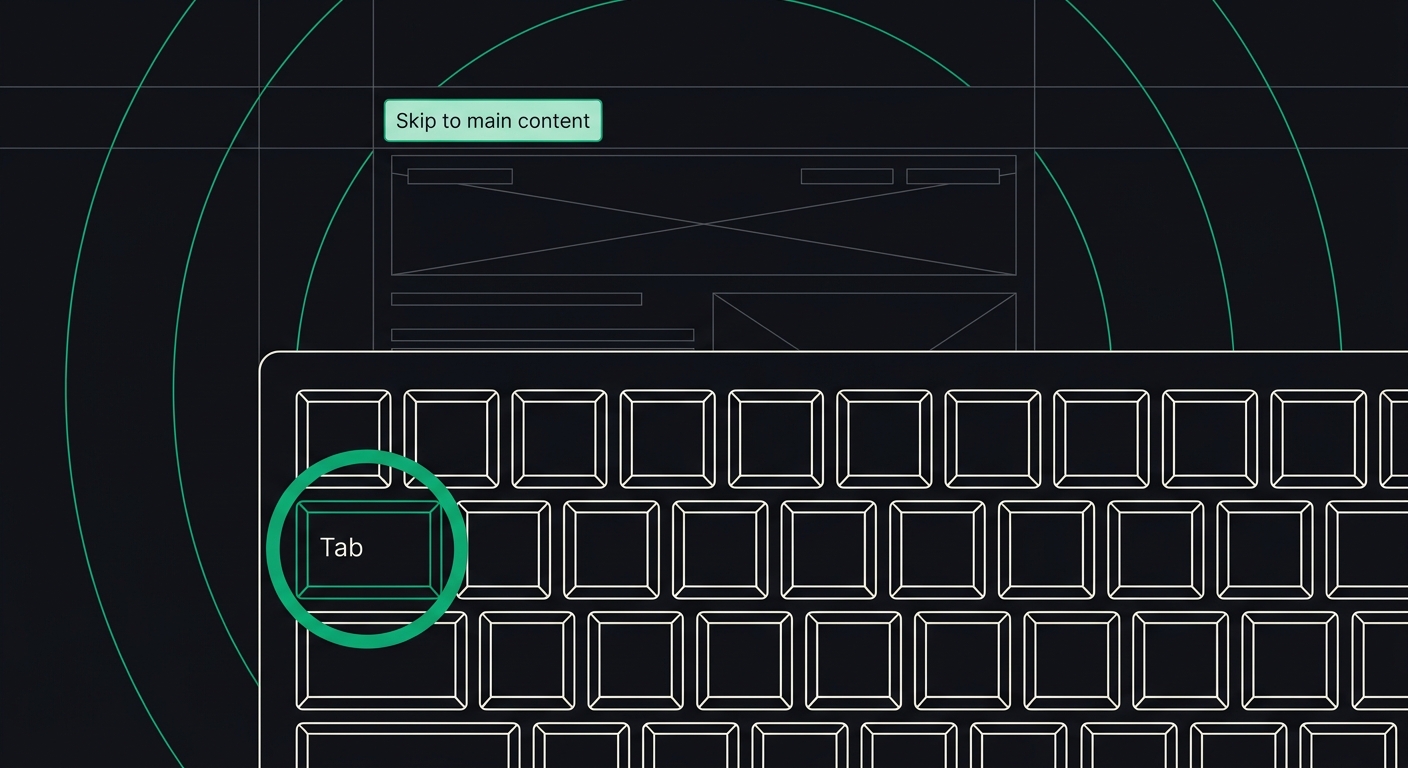
Do WCAG Skip Links Help or Confuse AI Crawlers? What the Data Shows
Skip links satisfy WCAG's Bypass Blocks rule, but do they help or hurt AI crawlers like ChatGPT and Perplexity? Here's what actually happens when they parse your page.
Skip links don't confuse AI crawlers — and in most cases they don't do much for AI visibility either way. They're a keyboard accessibility feature governed by WCAG's Bypass Blocks rule (2.4.1), and large language model crawlers largely ignore them because they parse the underlying HTML structure, not the visual tab order a skip link is built for.
But "largely ignore" isn't the whole story. There's a narrow set of situations where a badly built skip link actually does mess with how AI tools extract your content. Let's separate the myth from what actually happens when a crawler hits your page.
What Is a Skip Link, and Why Does WCAG Require It?
A skip link — sometimes called a "skip to content" or "skip navigation" link — is the first focusable element on a page. It lets keyboard users jump straight past the header, nav menu, and any repeated site chrome, landing directly on the main content. Without one, someone navigating by keyboard has to tab through every nav item, every dropdown, every social icon, just to reach the thing they came for.
This is required under WCAG 2.1 Success Criterion 2.4.1, Bypass Blocks. The rule doesn't technically mandate a skip link specifically — you can also satisfy it with proper heading structure or ARIA landmarks — but a skip link is the most common and most reliable way to pass the check. I've audited sites where the dev team assumed their sticky nav with a hamburger menu was "accessible enough." It wasn't. A screen reader or keyboard-only user still had to fight through 40+ tab stops before hitting the headline.
The basic markup looks like this:
<a href="#main-content" class="skip-link">Skip to main content</a>

<header>...</header>
<nav>...</nav>

<main id="main-content">
  <h1>Page headline</h1>
  ...
</main>
Visually, most sites hide this link off-screen until a keyboard user tabs to it, then reveal it with focus styles. That's the correct pattern — and it's also, as it turns out, the exact detail that matters for AI crawlers.
Do AI Crawlers Actually Read Skip Links?
Yes, technically — but they don't do anything meaningful with them. GPTBot, PerplexityBot, ClaudeBot, and Google's AI Overview crawler all parse raw HTML (some also render JavaScript, though most don't by default). A skip link is just an anchor tag pointing to an ID on the page. To a crawler, it reads as: "link, text 'Skip to main content', destination #main-content."
That's not useful information for an AI model trying to answer a user's question. It's not a content signal, a topical cue, or anything resembling the kind of extractable statement these systems are hunting for. Compare that to a proper <h1> or a well-labeled section — those actually shape how an AI system chunks and summarizes a page. A skip link is navigational scaffolding, not content. Most crawlers correctly treat it that way and move past it in milliseconds.
So the honest answer to "do skip links help AI crawlers" is: not really. They weren't built for that job, and expecting an SEO or AI-visibility lift from adding one is the wrong reason to implement one. Implement it because keyboard users need it and because it's a WCAG requirement — the AI angle is neutral at best.
Can a Skip Link Actually Confuse or Hurt AI Extraction?
Here's where it gets more interesting, because the answer isn't a flat no. There are three specific implementation mistakes that can create real problems for AI parsing — none of them caused by the skip link concept itself, all of them caused by sloppy execution.
- Skip link text stuffed with keywords. I've seen sites turn "Skip to main content" into a 200-character link crammed with target phrases, apparently hoping it'll double as an SEO play. It doesn't help rankings, and depending on how the model chunks the page, it can show up as noise right at the top of the extracted text — the first thing a summarization model reads before your actual headline.
- Skip links that point to broken or missing anchors. If the
href="#main-content"target doesn't exist anywhere on the page, some crawlers and accessibility tools alike will flag a dead internal link. It won't crash extraction, but it's a small trust signal, and small trust signals add up when a model is deciding which of ten similar pages to cite. - Skip links hidden using
display:noneinstead of an off-screen technique. This is the one that actually causes trouble. Elements set todisplay:noneare, in most rendering pipelines (including many crawler-side renderers and assistive tech), treated as not present at all. That means the link fails for keyboard users entirely — it's not just an AI problem, it's a WCAG failure and an accessibility failure at the same time. The fix is the standard visually-hidden-but-focusable CSS pattern, notdisplay:none.
None of these are about skip links being inherently risky. They're about the same sloppy-implementation problems that hurt WCAG compliance also being the ones that, occasionally, bleed into AI parsing quality. The line between "accessibility bug" and "AI-readability bug" is thinner than most people think.
What Does the Data Actually Show?
WebAIM's annual Million report — an audit of the top one million home pages — has found for several years running that skip links are inconsistently implemented across the web, with a meaningful share of sites either missing them entirely or shipping a version that's broken for keyboard users. That's a compliance gap, not an AI-visibility gap. I haven't seen a study that isolates skip links as an independent ranking or citation factor for AI search, and I'd be skeptical of anyone who claims one exists — the sample sizes needed to prove that a single anchor tag moves citation odds just aren't there yet.
What I can say from auditing sites day to day: pages that fail 2.4.1 Bypass Blocks almost always fail a cluster of other structural checks alongside it — missing landmark regions, flat or skipped heading levels, generic link text throughout the nav. It's rarely just one thing. A site that skips the skip link is usually a site with deeper semantic structure problems, and those do affect AI extraction. Weak heading hierarchy in particular is one of the more reliable predictors of an AI tool misreading a page's main topic — something we've covered in detail in our piece on heading structure mistakes.
So the honest takeaway from the data: skip links themselves are a wash for AI visibility. The absence of a skip link is a red flag for the rest of the page's structure, and that structure is what actually moves the needle with AI crawlers.
How Should You Implement Skip Links to Get This Right?
Build it once, build it correctly, and stop worrying about whether it's helping or hurting your AI score — it's doing neither directly. Focus on making it actually work.
- Place the skip link as the very first focusable element in the DOM, before the header markup.
- Point it to a real, existing ID on your main content wrapper — usually
<main id="main-content">. - Hide it visually using an off-screen technique (absolute positioning pushed outside the viewport), not
display:noneorvisibility:hidden, both of which strip it from the accessibility tree. - Show it clearly on keyboard focus — solid contrast, visible outline, no ambiguity about where the tab landed.
- Test it by tabbing from the address bar on a fresh page load. If the first tab stop isn't your skip link, something upstream is wrong.
If you're running a broader accessibility pass and want to make sure Bypass Blocks isn't your only gap, our WCAG fix guide hub walks through all 33 rules we scan for, skip links included, with copy-paste fixes for each. It's worth checking the surrounding rules at the same time — landmark regions and heading order tend to travel together with skip link failures.
Should You Worry About AI Crawlers When Building Skip Links?
No — build skip links for the humans who need them, and let your AI-readability work happen at the content and markup level instead. Semantic HTML, clean heading hierarchy, and crawlable server-rendered content do far more for how ChatGPT, Perplexity, or Google AI Overviews understand and cite your pages than any navigation shortcut ever will. If you want the fuller picture of what actually influences AI extraction — crawler access, content structure, and what we call the "shared core" between human and machine readers — our guide to AI readability breaks down the three pillars in detail.
Where skip links do matter enormously is legal and ethical: 2.4.1 is one of the more commonly cited failures in ADA web accessibility lawsuits, precisely because it's easy to test and easy to demonstrate in court. Get it right for that reason first. The AI-crawler question is secondary, and now you know it's basically a non-issue either way.
Frequently Asked Questions
What is a WCAG skip link?
A skip link is a hidden-until-focused anchor link, placed as the first element on a page, that lets keyboard users jump directly to the main content and bypass repeated navigation. It satisfies WCAG 2.1 Success Criterion 2.4.1, Bypass Blocks.
Do skip links improve SEO or AI search visibility?
No, not directly. Skip links are a navigational accessibility feature, not a content signal. AI crawlers parse them as ordinary links and don't use them to judge page quality or topic relevance.
Can a broken skip link hurt my AI-readability score?
A skip link pointing to a missing anchor, or hidden with display:none, is a real accessibility bug and can register as a small trust or structure issue. It won't tank AI extraction on its own, but it's usually a sign of deeper markup problems that do affect extraction, like inconsistent heading structure.
Is a skip link legally required under the ADA?
The ADA itself doesn't list technical specs, but courts and settlement agreements consistently point to WCAG 2.1 AA as the compliance benchmark, and Bypass Blocks (skip links or equivalent landmarks) is one of its success criteria. Skipping it is one of the more common findings in accessibility demand letters.
Do skip links help keyboard navigation for WCAG compliance?
Yes — this is their actual purpose. A working skip link lets someone navigating by keyboard reach the main content in one tab stop instead of tabbing through the entire header and nav menu first, which is exactly what WCAG's keyboard navigation and bypass-blocks rules are designed to guarantee.
How do I test if my skip link actually works?
Load the page fresh, click into the address bar, then press Tab once. The skip link should become visible immediately and, when activated, should move keyboard focus to your main content region. If nothing happens or focus jumps somewhere unexpected, the target ID or the CSS hiding technique is broken.
If you're not sure where your own site stands on this or the other 32 rules that make up a full WCAG pass, run a free scan at AccessKnight — it'll flag Bypass Blocks issues alongside your AI-readability score in one report, with the exact code fix for each failure.
Check your website's accessibility
Scan against all 33 WCAG 2.1 rules and get code-level fix suggestions — free.
Run a free scan →