
Why Overlay Widgets Fail WCAG Audits (and What Actually Fixes Accessibility)
Overlay widgets patch the surface with JavaScript, not the code auditors actually check. Here's why accessiBe-style tools fail WCAG audits — and what real fixes look like.
Overlay widgets fail WCAG audits because they patch the surface of a page with JavaScript instead of fixing the underlying HTML, CSS, and ARIA that assistive technology actually reads. An auditor running axe-core, WAVE, or a manual screen reader test sees the same broken markup the overlay was supposed to hide.
If you've shopped for an accessiBe alternative, you've probably already sensed something wasn't adding up. The widget promises instant compliance. The lawsuit still shows up in your inbox six months later. Let's get into why that happens and what actually closes the gap.
What is an accessibility overlay, exactly?
An accessibility overlay is a snippet of JavaScript you drop into your site — usually a single line before the closing </body> tag — that injects a floating widget with options like text resizing, contrast toggles, and a "screen reader mode." Some versions claim to use AI to automatically add alt text, fix contrast, and repair heading structure in real time, without a developer touching the code.
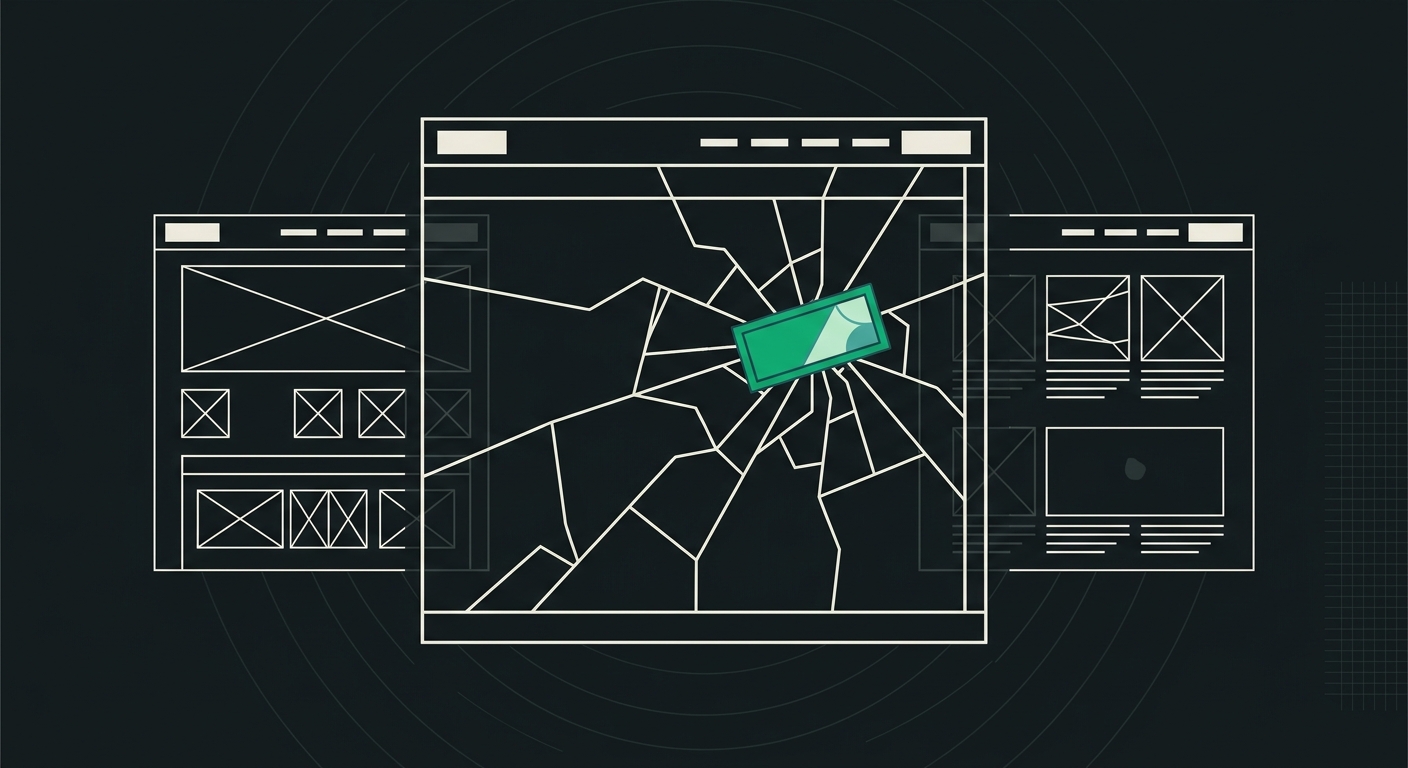
That's the pitch. In practice, the overlay sits on top of your existing HTML like a sticker on a cracked windshield. It doesn't reglaze the glass. It just covers the crack until someone taps the wrong spot.
Why do overlay widgets fail WCAG audits?
Overlay widgets fail because WCAG success criteria are evaluated against the actual DOM and accessibility tree a browser exposes to assistive tech — not against a widget's marketing claims. An auditor (human or automated) checks things like: does this image have accurate alt text in the source code? Does this form field have a programmatic label? Is the heading structure logical? Overlays rarely touch any of that at the source.
A few concrete failure patterns I see over and over:
- AI-generated alt text is often wrong or generic. An overlay might auto-tag a product photo as "image of person" when it's actually a checkout button icon. That fails WCAG 1.1.1 just as hard as no alt text at all — arguably worse, because it gives a screen reader user false information instead of silence they can work around.
- Keyboard traps don't get fixed. If your custom dropdown menu can't be closed with the Escape key, an overlay widget sitting in the corner of the screen doesn't rewrite your dropdown's JavaScript. The trap stays.
- Overlays load after the page, which is exactly when screen readers start reading. Screen reader users often interact with content before the overlay script finishes executing, especially on slower connections. That timing gap alone breaks compliance for a meaningful chunk of real visits.
- Overlays can introduce new problems. WebAIM's own testing (and its widely cited 2023 overlay analysis) found that some overlay scripts add non-standard ARIA attributes or hijack focus in ways that confuse screen readers more than an unmodified page would.
This is the core issue: WCAG doesn't grade intent. It grades output. And overlay output, when you actually inspect the rendered DOM, usually looks a lot like the original broken page with a widget bolted on.
Is there an accessibility overlay lawsuit risk?
Yes — and it's grown, not shrunk. Plaintiffs' firms specializing in ADA web accessibility claims have specifically named accessiBe and similar overlay vendors in complaints, arguing the overlay itself created new barriers or failed to remove existing ones. UsableNet's annual digital accessibility lawsuit report has tracked thousands of ADA Title III web-based filings a year in recent years, and overlay-dependent sites show up in that pool regularly.
Here's the part that surprises people: having an overlay installed doesn't just fail to protect you. In several documented cases, it's been cited in the complaint as evidence the site owner knew about accessibility obligations and chose a shortcut instead of a fix. That's a worse position than having no widget at all, legally speaking — it can look like you saw the problem and slapped a Band-Aid over it.
None of this means overlay vendors are acting in bad faith across the board. Some do offer genuine manual remediation services behind the widget for enterprise clients. But the $49-a-month plan advertised to a small business owner rarely includes that. It's the JavaScript snippet, alone, doing the heavy lifting it was never built to do.
What do overlay widgets get right?
Fair's fair — overlays aren't useless for everything. Font-resizing and contrast-toggle features can genuinely help some low-vision users who land on your site, and they take about ten minutes to install. If your site currently has zero accommodations, an overlay is better than nothing for that narrow slice of functionality.
The problem is scope. Those surface toggles address maybe 2-3 of the 50+ WCAG 2.1 success criteria. The other criteria — proper heading hierarchy, form labels, focus order, color contrast baked into your design system, meaningful link text, ARIA roles that match actual behavior — all live in your code. No widget reaches in and rewrites your CSS grid or restructures your <h1> through <h6> tags correctly. That work has to happen where the problem actually lives.
What actually fixes accessibility instead of masking it?
Real remediation means editing the source — HTML structure, semantic elements, ARIA attributes, and contrast values — so the accessibility tree browsers generate is correct from the start. No overlay sits between the browser and the assistive tech; there's nothing to intercept because there's nothing left to hide.
In practice that looks like:
- Semantic HTML first. Using
<nav>,<button>, and<main>instead of generic<div>soup gives screen readers and keyboard users structure for free, before you even touch ARIA. We've written a full breakdown of how semantic HTML improves both accessibility and AI visibility if you want the technical detail. - Real alt text, written by a human or reviewed by one. Not auto-generated guesses. Our guide on writing alt text that works for screen readers and AI search covers the actual pattern to follow.
- Manual keyboard testing. Tab through your entire site. Every interactive element needs a visible focus state and a logical tab order. This takes maybe 20 minutes and catches issues automated scanners miss entirely.
- Contrast fixes in your CSS, not a toggle. If your gray-on-white body text fails the 4.5:1 ratio, fix the hex code. Don't ship broken contrast and rely on a widget most visitors never click.
Every one of these is a code change, not a widget install. That's the actual difference between an accessiBe alternative worth paying for and one that's just a rebrand of the same overlay model.
How do I know if my current setup will pass an audit?
Run an actual scan against the real WCAG success criteria — not the overlay vendor's own dashboard, which tends to grade against its own feature set rather than the standard. A proper audit checks things like heading order, ARIA validity, color contrast ratios, form labeling, and link text clarity across your whole site, then hands you the specific line of code to fix.
This is where a lot of site owners get tripped up: they assume "the widget is running" equals "the site passes." It doesn't. I'd genuinely recommend checking your full list of the 33 WCAG rules and how to fix each one against your live site before you renew any overlay subscription. If you're already paying $49-$99 a month for a widget, it's worth finding out in five minutes whether that money is buying compliance or just buying a false sense of it.
Does fixing accessibility also help with AI search visibility?
Yes, and this is the part most site owners don't expect. The same semantic structure that lets a screen reader understand your page — proper headings, labeled buttons, descriptive links — is what lets ChatGPT, Perplexity, and Google's AI Overviews parse and cite your content correctly. Overlay widgets don't touch this either, because they operate client-side after the crawler has already seen (or failed to see) your raw HTML.
AI crawlers don't execute every overlay script the way a browser does, and even when they do, they're reading the DOM structure underneath, not the widget's cosmetic layer. If your headings are visually styled <div> tags instead of real <h2> elements, both a screen reader and an AI model struggle to understand your page's hierarchy. Our guide to AI readability goes deeper into the three things AI crawlers actually need: crawler access, a shared content core, and extractable structure. Fix accessibility properly, and you've usually fixed most of that at the same time.
Frequently Asked Questions
Is accessiBe illegal or banned anywhere?
No, accessiBe and similar overlays aren't illegal or banned. But several have faced direct lawsuits and public criticism from accessibility advocates, and courts have not treated overlay installation as a defense against ADA claims. The tool itself is legal; relying on it as your sole compliance strategy is the risky part.
What's the difference between an overlay and a real accessibility fix?
An overlay adds a JavaScript layer on top of your existing page without changing the underlying code. A real fix edits the HTML, CSS, and ARIA attributes directly, so the accessibility tree browsers and assistive tech read is correct at the source — with nothing extra sitting in between.
Can I use an overlay alongside real code fixes?
You can, and the font-size or contrast toggles won't hurt anything once your underlying code is already accessible. Just don't treat the overlay as the fix itself — it should be a small bonus feature, not your compliance strategy.
How much does it cost to fix accessibility issues properly instead of using an overlay?
It depends on your site's size and how broken the current code is, but small to mid-size sites often see the bulk of critical WCAG failures resolved in 10-20 developer hours once you have a specific list of what to fix. That's a one-time or occasional cost, compared to an ongoing overlay subscription that never actually closes the gap.
Will an accessibility audit tell me about AI readability too?
A good one should. Traditional WCAG scanners only check accessibility rules, but tools built for the current search landscape — AccessKnight included — score both WCAG compliance and AI readability in a single scan, since the two overlap more than most people expect.
What should I look for in an accessiBe alternative?
Look for a tool that shows you the actual code-level issue and the fix, not just a score. Anything that only offers a widget without pointing you to the specific HTML, CSS, or ARIA line causing the failure is asking you to trust a black box — and that's exactly the pattern that's landed sites in litigation before.
Where to go from here
If you've got an overlay installed right now, don't rip it out in a panic. Just stop treating it as your accessibility strategy. Pull up your site, run it through a scanner that checks against the real 33 WCAG criteria, and get the actual list of what's broken in your code. AccessKnight's free scan does exactly that — five URL checks a month, no widget required, and a code fix attached to every failure it finds. Run it on your homepage first. You'll probably be surprised by what the overlay's been quietly sitting on top of.
Check your website's accessibility
Scan against all 33 WCAG 2.1 rules and get code-level fix suggestions — free.
Run a free scan →