
Why Does Google's AI Overview Skip My Site Even Though I Rank #1 Organically?
Ranking #1 doesn't guarantee an AI Overview citation. Here's why Google's AI skips top-ranked pages and how to fix the structural gaps causing it.
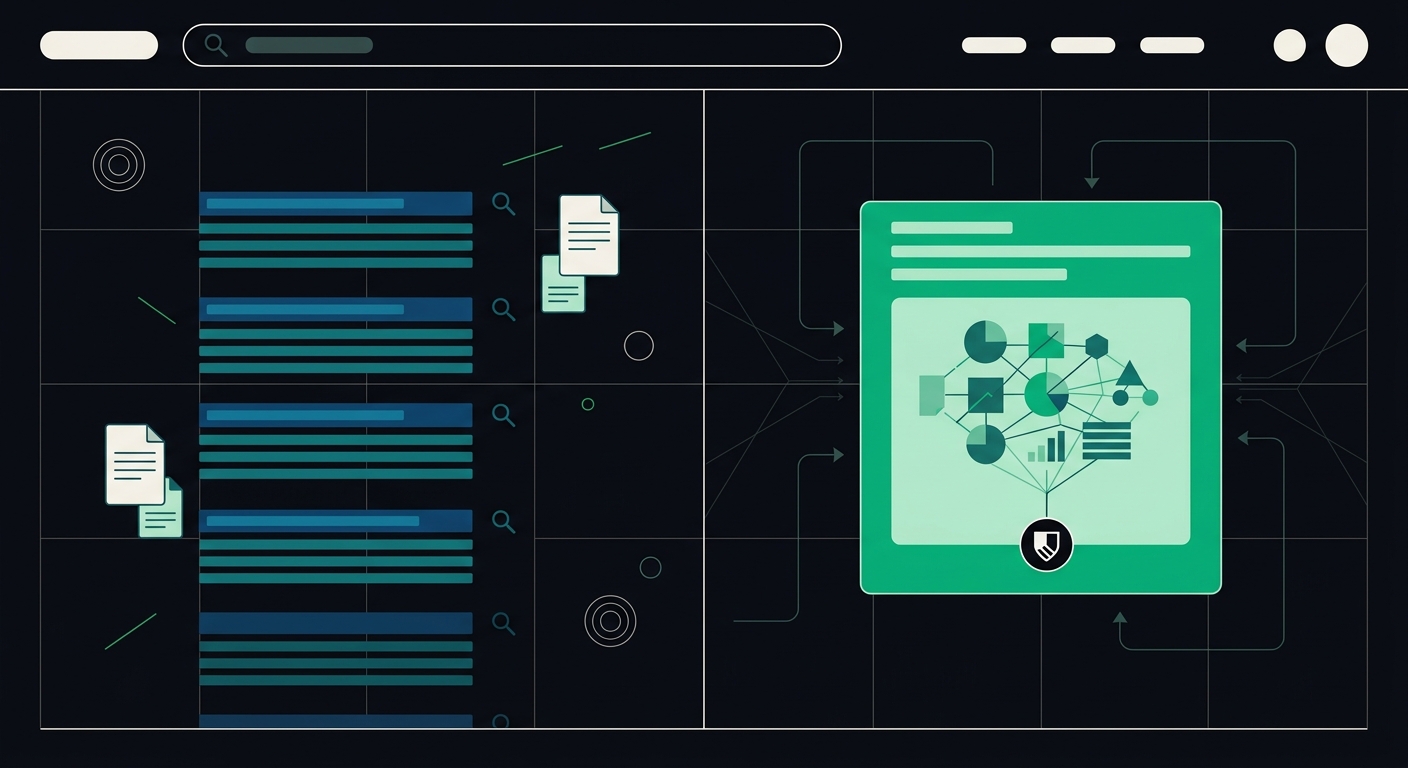
Google's AI Overview skips sites that rank #1 organically because it uses a separate retrieval and synthesis process, not the same ranking signals as the traditional ten blue links. A page can win on backlinks and relevance for classic search while failing the extractability, structure, or crawl-access checks the AI Overview model needs to quote it. Ranking #1 gets you into the candidate pool. It doesn't guarantee a spot in the answer.
I've seen this trip up marketers who did everything "right" by 2019 standards — solid keyword targeting, decent backlink profile, page one for years — and then watched a competitor with half their domain authority get quoted directly in the AI Overview box. It's confusing. It also makes complete sense once you understand what's actually happening under the hood.
What's actually happening when Google's AI Overview skips your page?
AI Overview works in two stages. First, Google's normal retrieval system pulls a set of candidate pages — usually pages that already rank well organically. Second, a language model reads through those candidates and decides which passages are clear enough, well-structured enough, and confidently phrased enough to summarize or quote.
That second stage is where most #1-ranked pages get cut. The model isn't grading your SEO. It's grading whether your content answers a specific question in a self-contained way it can lift out and restate without misrepresenting you. If your best paragraph starts with three sentences of throat-clearing before it gets to the actual answer, the model often just moves to the next candidate that answers faster.
Why does organic ranking not guarantee an AI Overview citation?
Because organic ranking and AI Overview citation measure two different things. Organic ranking rewards relevance, authority, and user engagement signals accumulated over time. AI Overview citation rewards whatever passage in the candidate pool most cleanly answers the query right now, in a form the model can extract without extra interpretation.
Think of it like this: your page might be the best overall resource on "how to file a warranty claim," which is why Google ranks it first. But if the actual step-by-step answer is buried under a 400-word introduction about your company history, a competitor's shorter page with a clean numbered list at the top of the content gets pulled into the Overview instead. Google still sends organic traffic to you. It just doesn't quote you.
This is the core tension in AI readability versus traditional SEO — one is about being findable, the other is about being liftable.
What causes AI Overviews to skip a page it could cite?
A handful of technical and structural issues show up over and over when I audit sites that rank well but get zero AI Overview visibility.
- Client-side rendering. If your content only appears after JavaScript runs, some AI crawlers never see it at all. Googlebot can render JS reasonably well for search, but not every AI crawler that feeds these systems does the same. This is especially common on React and Vue sites — single-page apps are frequently invisible to AI crawlers even when they rank fine in classic search.
- Buried answers. The actual fact, price, step, or definition sits three paragraphs after a marketing intro instead of appearing in the first sentence or two.
- Broken heading hierarchy. Multiple
<h1>tags, skipped heading levels, or headings that don't match the content underneath them make it harder for a model to map your page's structure. Heading structure mistakes hurt both WCAG compliance and AI extraction for the same underlying reason — the document outline is unclear. - No semantic markup. A page built entirely from generic
<div>containers gives a crawler no signal about what's a heading, what's a list, what's an actual answer versus a sidebar. - Robots directives blocking specific bots. Some sites accidentally block AI-specific crawlers in
robots.txtwhile leaving Googlebot open, which keeps them ranking but cuts them out of the AI training and retrieval pipeline entirely. - Thin or duplicated content across pages. If five pages on your site say roughly the same thing, the model has no reason to pick yours over a competitor's tighter version.
Notice that none of these are classic ranking factors. That's the point. A page can be structurally invisible to an AI model while still being the top organic result — these are different scoring systems looking at different things.
Is this the same as being cited by ChatGPT or Perplexity?
Not exactly, though the underlying causes overlap heavily. Google AI Overview pulls from its own index and ranking signals. ChatGPT Search and Perplexity mostly rely on their own retrieval layers plus, in some cases, Bing's index. A page can be cited by one and skipped by the other because each system weighs crawl access, freshness, and extractability slightly differently.
What's consistent across all of them: pages with clear, front-loaded answers, real semantic HTML, and no rendering barriers get cited far more often than pages without those things. If you want to test this directly rather than guess, running a few queries and checking whether ChatGPT can actually load your page is a fast diagnostic — there's a walkthrough on testing whether ChatGPT can read your site that takes about half an hour.
What's an AI readability score, and why does it matter for AI Overview?
An AI readability score measures how easily an AI crawler can access, parse, and extract usable answers from your page — separate from how well the page is optimized for human readers or traditional search engines. It typically checks three things: whether crawlers can actually reach your content (no JS-only rendering, no accidental blocks), whether the HTML is structured cleanly enough to parse (proper headings, semantic tags, table markup), and whether individual passages are self-contained enough to quote without extra context.
This is a genuinely new axis to optimize for. SEO tools have spent two decades measuring keyword density, backlinks, and page speed. Almost none of them check whether a language model can actually lift a clean answer out of your page — that's a newer discipline sometimes called GEO, or generative engine optimization, and it's a different skill set than classic on-page SEO. GEO optimization for search cares less about matching search intent through keywords and more about matching answer format to what a model needs to quote you accurately.
I'll admit this is the part most site owners resist at first. It feels like extra work layered on top of SEO they already did. But the fix overlaps enormously with accessibility work — proper heading structure, real <table> markup with header scope, alt text that describes images instead of decorating them, semantic elements instead of div soup. If you've already done a WCAG pass on your site, you're closer to AI-readable than you think.
How do you fix a site that ranks but doesn't get cited?
Start with the pages that matter most — your highest-traffic organic pages that answer a specific, factual question. Those are your best candidates for AI Overview visibility, and they're usually the fastest to fix.
- Move the answer up. Put the direct answer to the page's core question in the first one to two sentences after the heading, then expand with context below. AI models weight the first extractable passage heavily.
- Fix your heading hierarchy. One
<h1>per page, logical<h2>/<h3>nesting, and headings phrased as the actual questions people ask. - Check for client-side rendering issues. View your page's source without JavaScript running (Chrome's "disable JavaScript" dev tool setting works fine) and see if your core content is actually there.
- Use semantic HTML, not generic containers. Real
<table>,<ul>,<nav>, and<article>elements — semantic markup improves accessibility and AI visibility at the same time, which is one of the more efficient fixes on this list because it does double duty. - Audit your robots.txt for AI crawlers. Confirm you're not accidentally blocking OAI-SearchBot, PerplexityBot, or Google-Extended while leaving Googlebot wide open.
- Deduplicate near-identical pages. If three blog posts answer the same question in slightly different words, consolidate into one strong page rather than splitting authority and confusing the model about which version to cite.
None of this is exotic. It's mostly cleanup work — the kind that also happens to fix accessibility issues, which is worth knowing if you're already running a WCAG audit. We built AccessKnight to score both at once, because in practice the two problems (screen readers can't parse your markup, AI crawlers can't extract your answers) trace back to the same broken HTML about 70-80% of the time in the sites we've scanned.
How long does it take to see a change in AI Overview citations?
Usually a few weeks, not months. Google's AI Overview pulls from a live index that refreshes far more often than a full core algorithm update. Once you fix rendering or structure issues on a page, re-crawling and re-evaluation for AI Overview eligibility tends to happen faster than a traditional ranking shift would. That said, there's no dashboard that tells you "you're now eligible" — the honest answer is you fix the structural issues, wait a couple of crawl cycles, and check manually whether your page starts showing up for the queries it should be answering.
Frequently Asked Questions
Why does Google's AI Overview not show my site even though I'm ranked #1?
AI Overview uses a separate extraction step after retrieval — it doesn't just quote the top organic result. If your top-ranked page buries its answer, relies on JavaScript rendering, or lacks clean heading structure, the model often skips it in favor of a lower-ranked page that's easier to extract a clean answer from.
Is AI Overview visibility the same as organic ranking?
No. Organic ranking measures relevance and authority across the whole page. AI Overview citation measures whether a specific passage can be lifted out and quoted accurately. A page can rank #1 and never get cited, or rank #5 and get quoted regularly, depending on how the content is structured.
Why is my site not cited in AI answers from ChatGPT or Perplexity either?
The most common causes are blocked or restricted AI crawlers in robots.txt, content that only renders client-side via JavaScript, and answers that aren't stated clearly near the top of the page. These issues affect Google AI Overview, ChatGPT Search, and Perplexity in similar ways because all three depend on being able to crawl and parse your content before they can cite it.
What is an AI readability score?
It's a measure of how easily AI crawlers can access, parse, and extract usable content from a webpage — covering crawler access, HTML structure, and how self-contained your answers are. It's distinct from a traditional SEO score, which focuses more on keywords, backlinks, and page authority.
Does fixing accessibility issues also help with AI Overview visibility?
Often, yes. Proper heading hierarchy, semantic HTML, real table markup, and descriptive alt text all improve both WCAG compliance and AI extractability, since both screen readers and AI crawlers rely on the same underlying structure to understand a page.
How do I know if my page is being blocked from AI crawlers?
Check your robots.txt for directives targeting bots like GPTBot, Google-Extended, OAI-SearchBot, or PerplexityBot, and check whether your content loads without JavaScript enabled. Both are quick manual checks that take a few minutes and explain a surprising number of AI Overview no-shows.
If you want a faster way to check where your own pages stand, running a free scan against both WCAG rules and AI readability checks will flag the specific structural issues keeping a crawler from extracting your content — usually in under a minute per URL.
Check your website's accessibility
Scan against all 33 WCAG 2.1 rules and get code-level fix suggestions — free.
Run a free scan →